
- Have a stable and good internet connection
- Use a laptop and Google Chrome to join for the best viewing experience. You can download Google Chrome here
- If you have difficulties accessing the platform, please try another browser (Microsoft Edge or Firefox v76 or higher)
- If you are unable to access the platform, you may need to turn off your firewall.
- If joining via your workplace desktop, you may experience connection/sound issues due to your workplace firewall.
- You can also access the platform using the Airmeet app, available to download from the AppStore or Google Play
- If you have difficulty seeing the speaker’s Feed, refresh the page/restart browser, and ensure that you close any other video conferencing tool you may have used recently.
- Internet Speed Test – We suggest you do an internet speed test to see what speed you get from your provider. You can check your speed here
- If you are a speaker, then your upload speed needs to be a minimum of 5mbps.
Important Notice
- You will receive a unique invitation to join the event as a speaker. The invite will give you access to the Airmeet platform, where you will be able to explore all the functions including backstage. Here you will be able to share your screen and do a presentation just like Teams and Zoom.
- You can visit the platform as often as you like in the run up to the event to practice.
- You will also be given the opportunity to join us for training, it takes no more than 20 Minutes.
- Your organiser will advise you of dates and times.
When you click on the specific link shared with you, you will directly enter Airmeet with no signing-in required.
- Provide device permission to grant access to your camera and mic.
- After entering the event, all speakers can connect 10-15 minutes before your live session on backstage.
To build your profile we will need the following information, your name, email address, your bio 500 characters, and a headshot. This can be uploaded to our portal using the link supplied by your event organiser.

If you could please take into account the following:
- Present from a noise-free room
- A headset with a mic is recommended, though not mandatory
- A Natural or plan background is prephered
Your event organiser will advise you if full rehearsals are required.
As a speaker you will be given training on how to use the platform, training will take no more than 20 minutes. We will show you how to logon and do a presentation with PowerPoint or Google slides.
You can make your event even more interactive by showing the event chats on the stage for various reasons, such as answering the questions, highlighting the idea, and sharing data.
Steps to follow:
Step 1: After publishing the poll, select the Poll you want to show on the stage.
Step 2: Hover over it and click on the “Show on stage” option at the bottom of the poll card.
Polls can only be shown by Hosts and Co-hosts
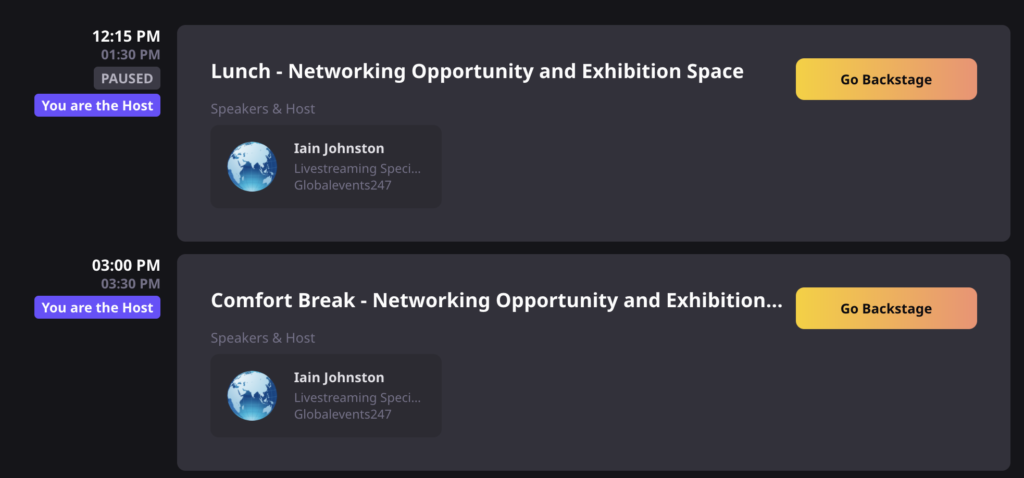
Speakers are required to be backstage 15 minutes prior to going live. One of our technical team will be backstage to make sure that all speakers involved in the session are ready.
If you are unable to attend the live event then you can send in a pre-recorded presentation.
We can accept various formats including H264, MP4, MPEG4, and .MOV – Your video can be uploaded to our portal using the upload button on the form that you entered your speaker information on.